 Primaly
Worn down by this everyday noise?
- You know what to do, but facing it feels bad, so you put it off.
- The day slips away while you stare at your phone.
- At night, you blame yourself: "I got nothing done again today."
"I just can't" piles up, and the next attempt feels even harder.
With Primaly, it changes.
-
 01
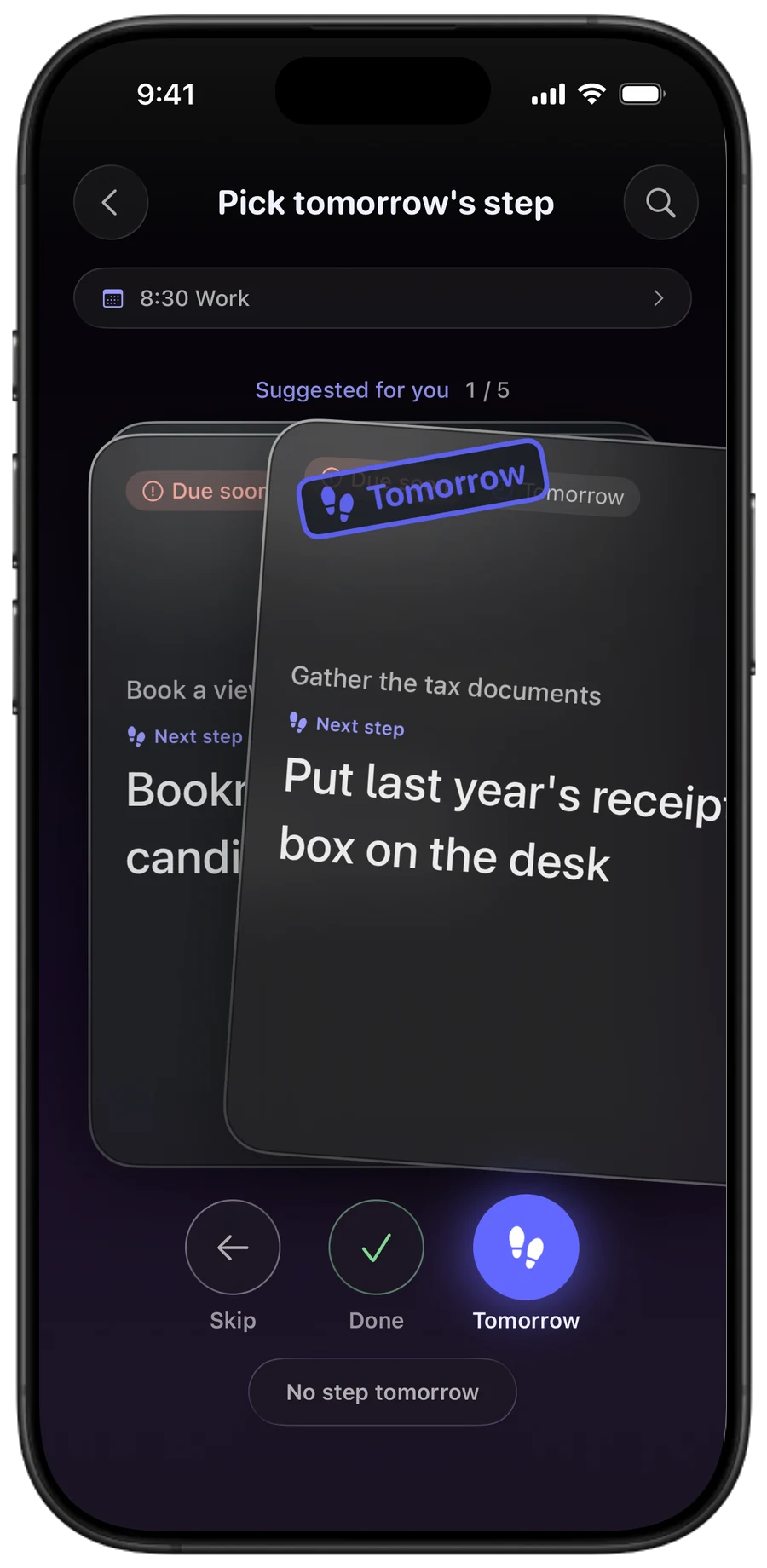
Make the first step tiny.
Each day, pick one task you want to focus on. That's today's step.
-
 02
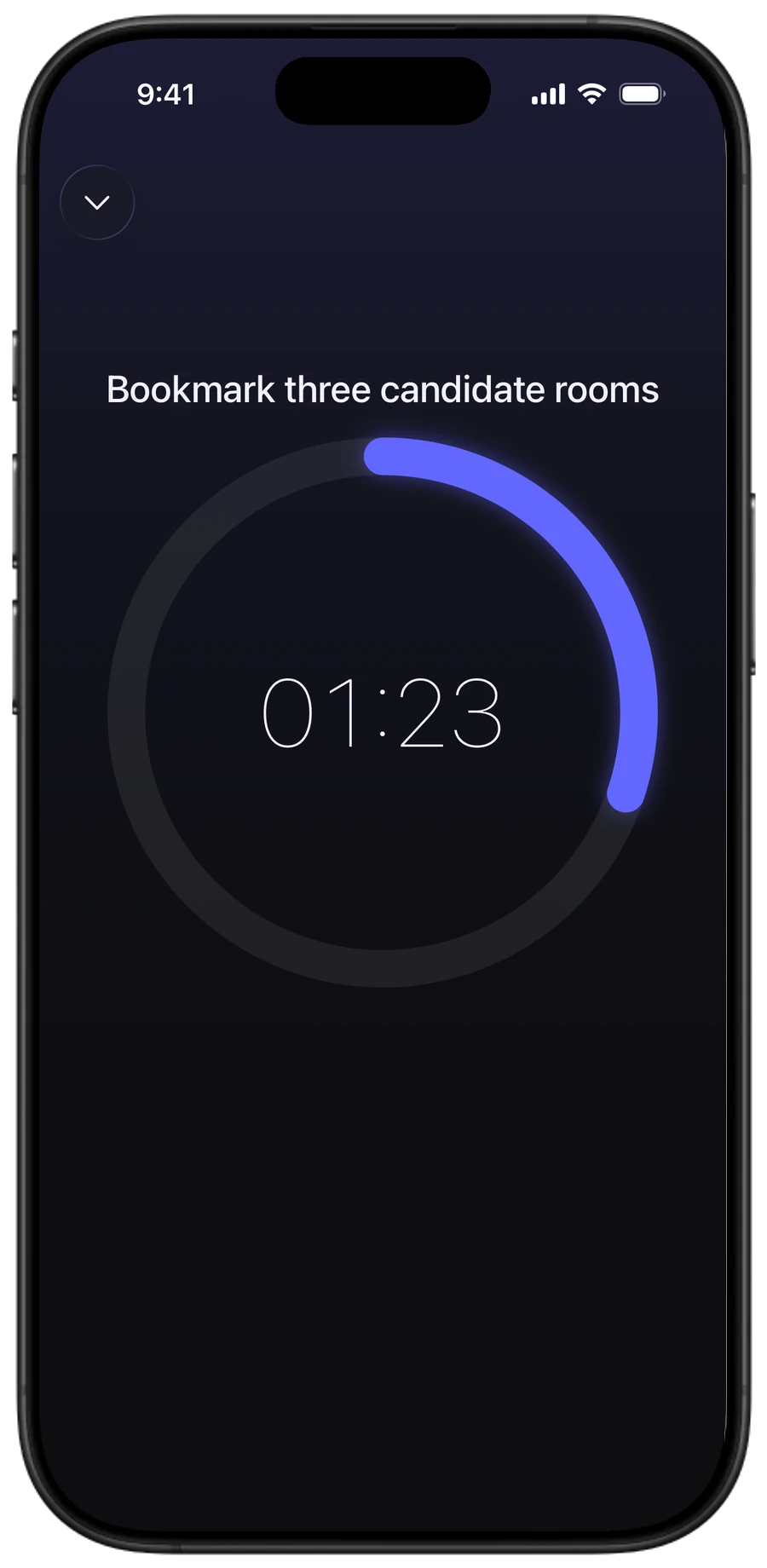
Just start moving.
Set a focus timer for 2 to 10 minutes, and today's step begins. Two minutes is enough, even if the task isn't finished. Allow Screen Time and pick your distracting apps, and they're blocked and won't open while it runs.
-
 03
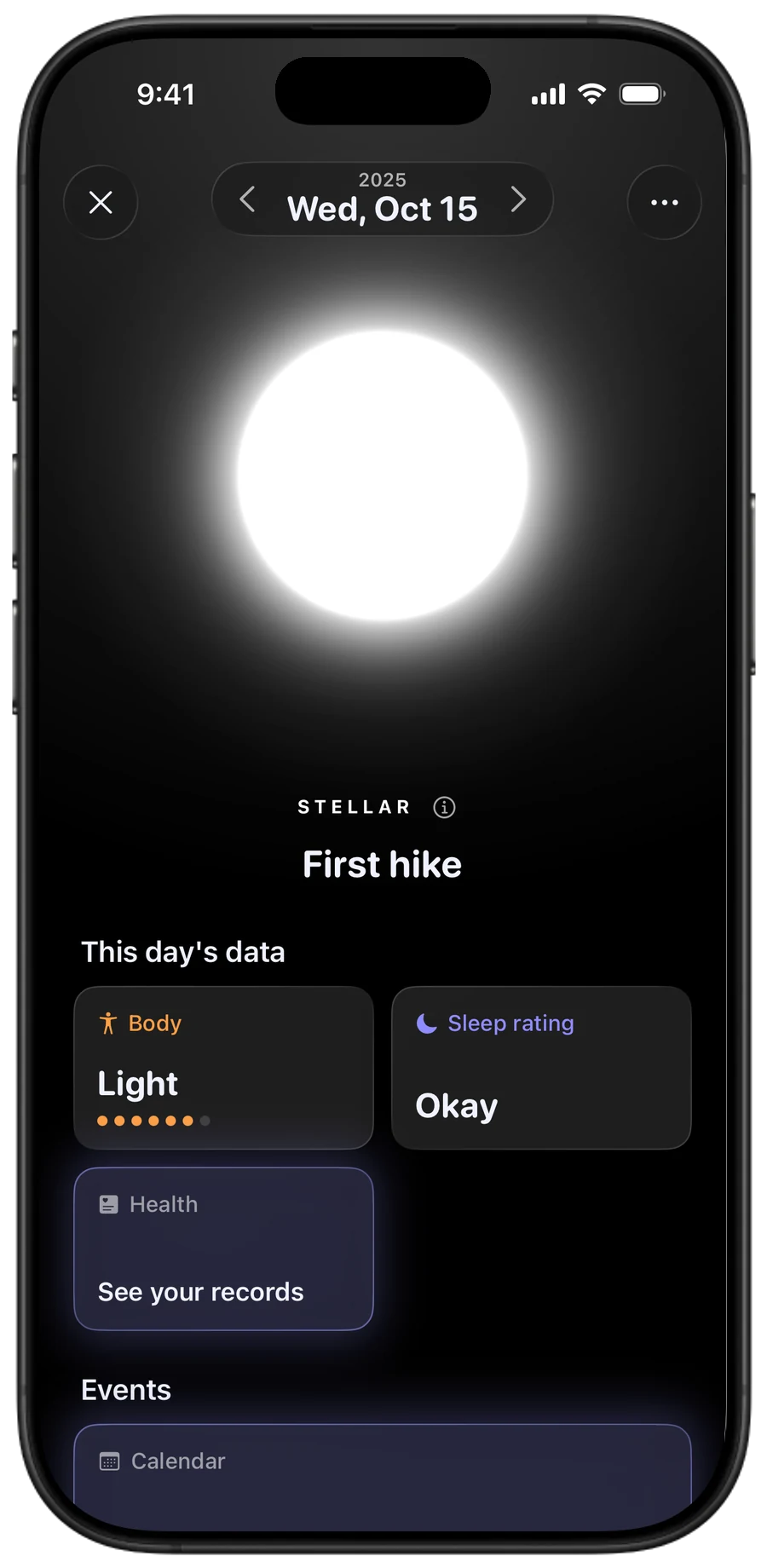
A day becomes a star.
Tap how your body and mind feel, and pick tomorrow's step. That alone turns the day into a star. If something's weighing on you, you can let it out in the journal.
-
 04
Stop blaming yourself.
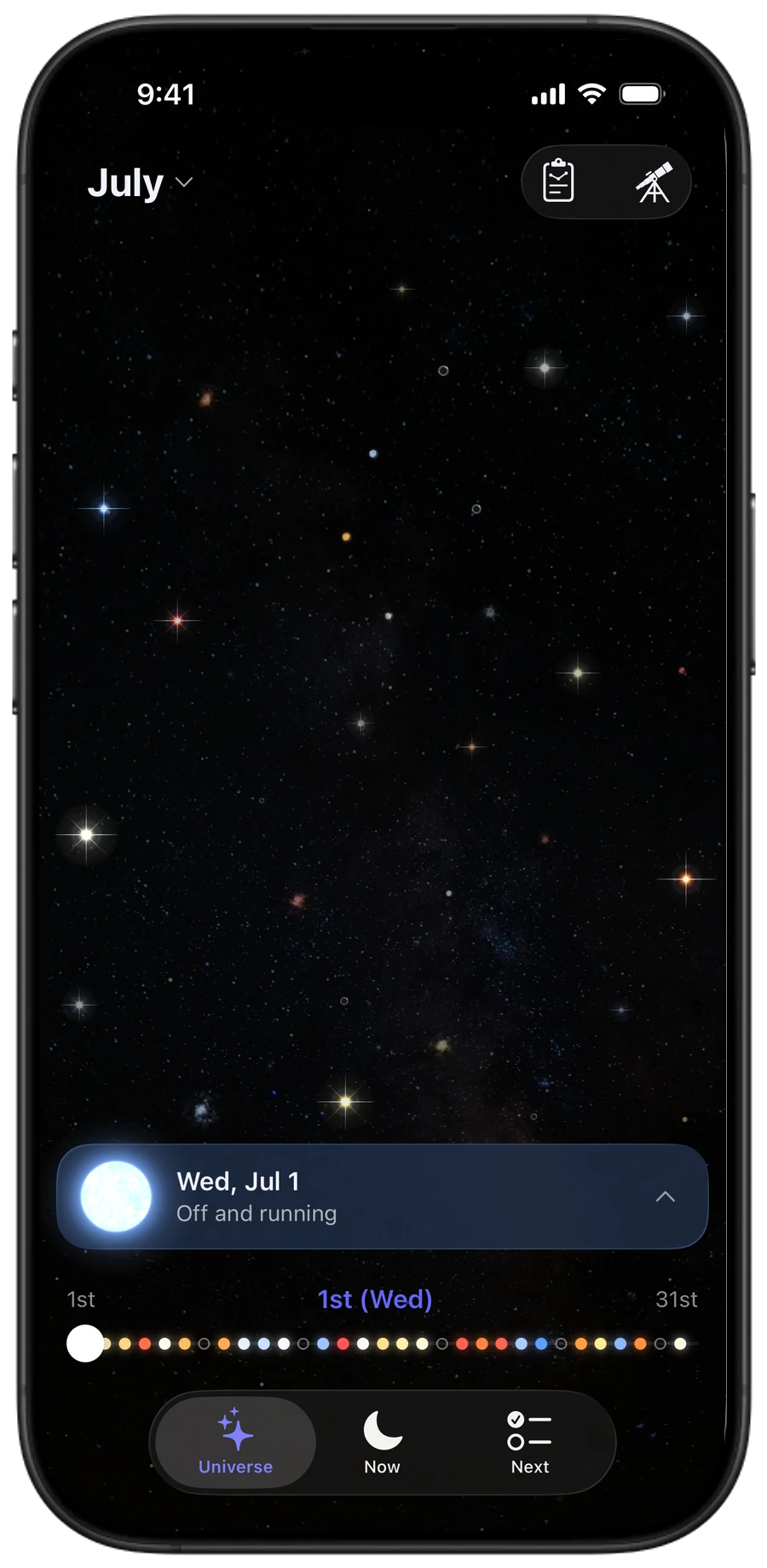
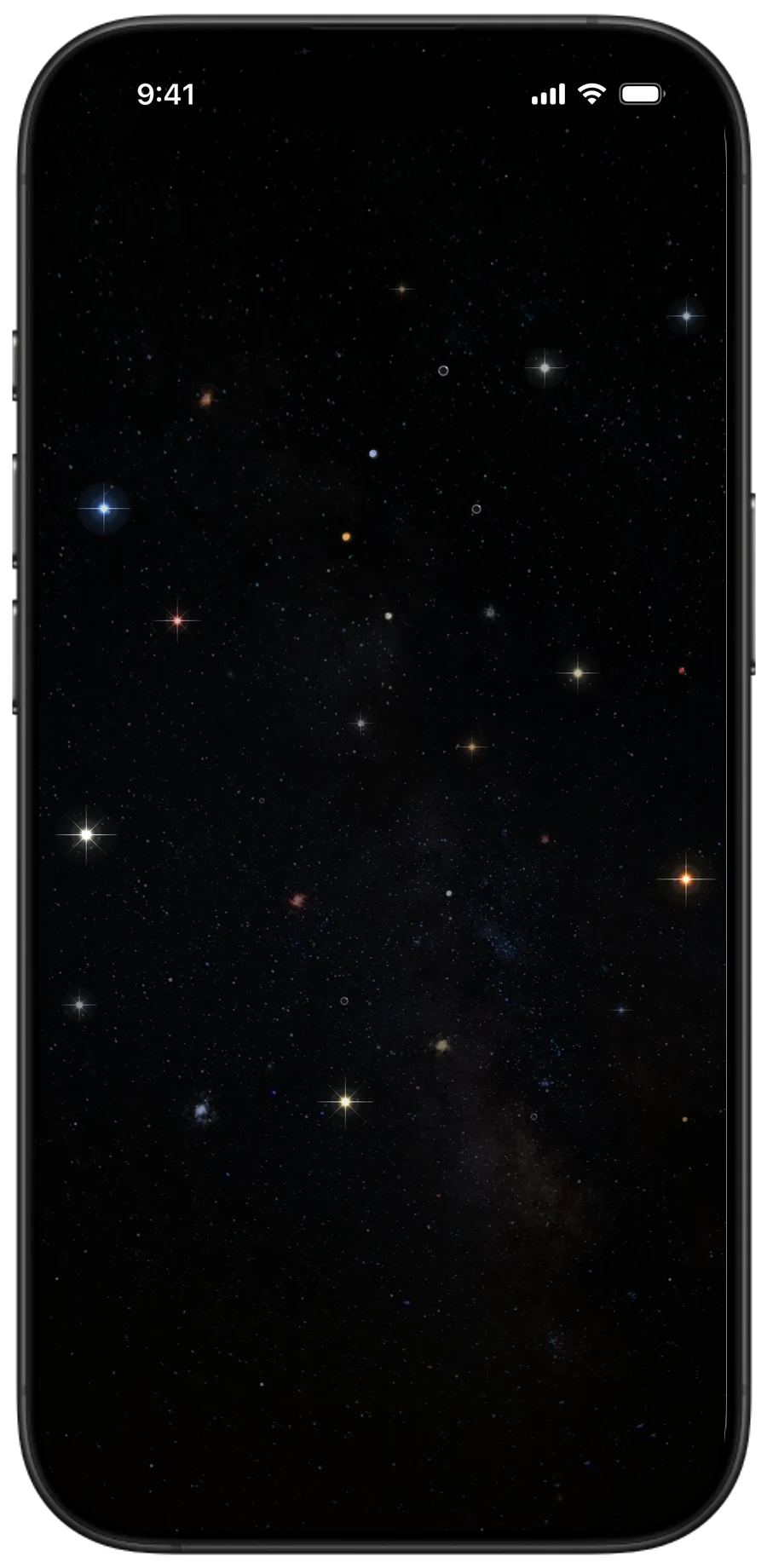
Your stars build up in your universe. Each may be a small step, but looking back at the path you have traced builds confidence.
And the next step feels lighter.
Five features, from morning to night
-
 AlarmBefore
No matter how many alarms you set, you stop them from bed and slip back under the covers.
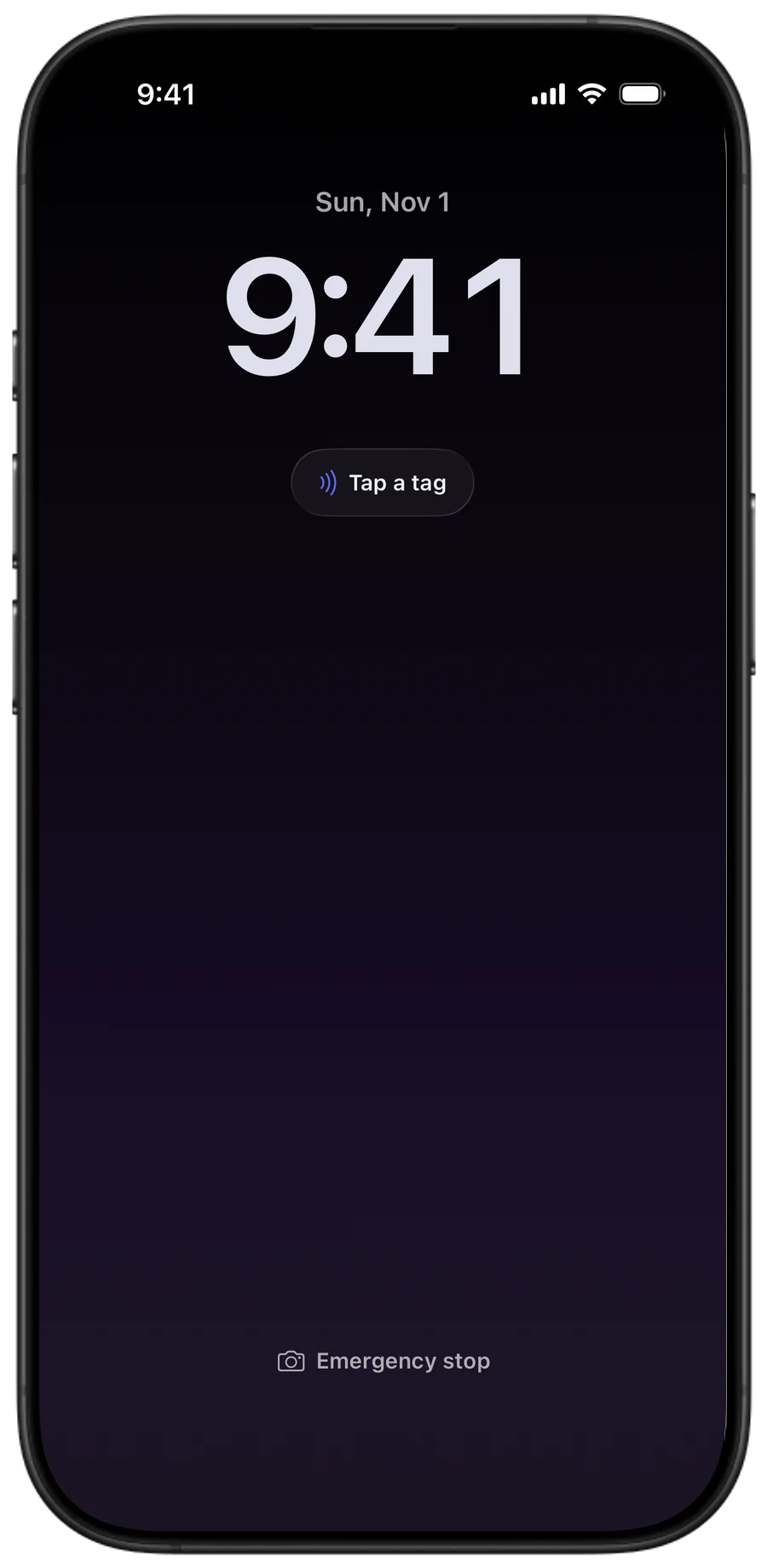
With PrimalyA slightly unusual alarm you stop by getting out of bed
You stop it with an NFC tag placed outside your bedroom or a photo you registered. Getting out of bed becomes your first win of the day.
-
 To doBefore
There is so much to do that just deciding where to start wears you out.
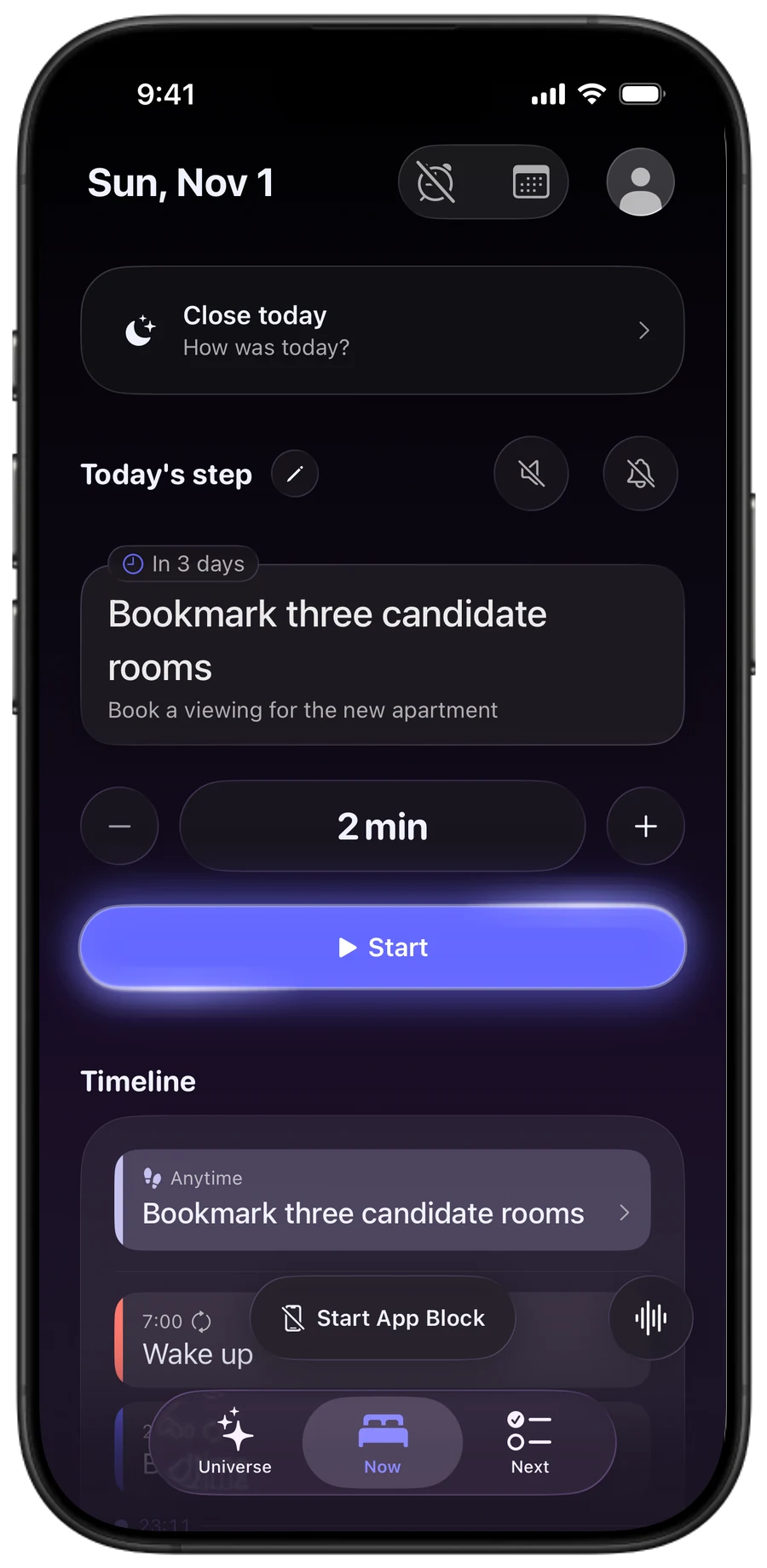
With PrimalyNo more wondering where to start
Your Now tab gives you just one small step to do. Start with as little as two minutes, and when it's done, a colorless protostar lights up in your universe. Close the day at night, and it becomes that day's star.
-
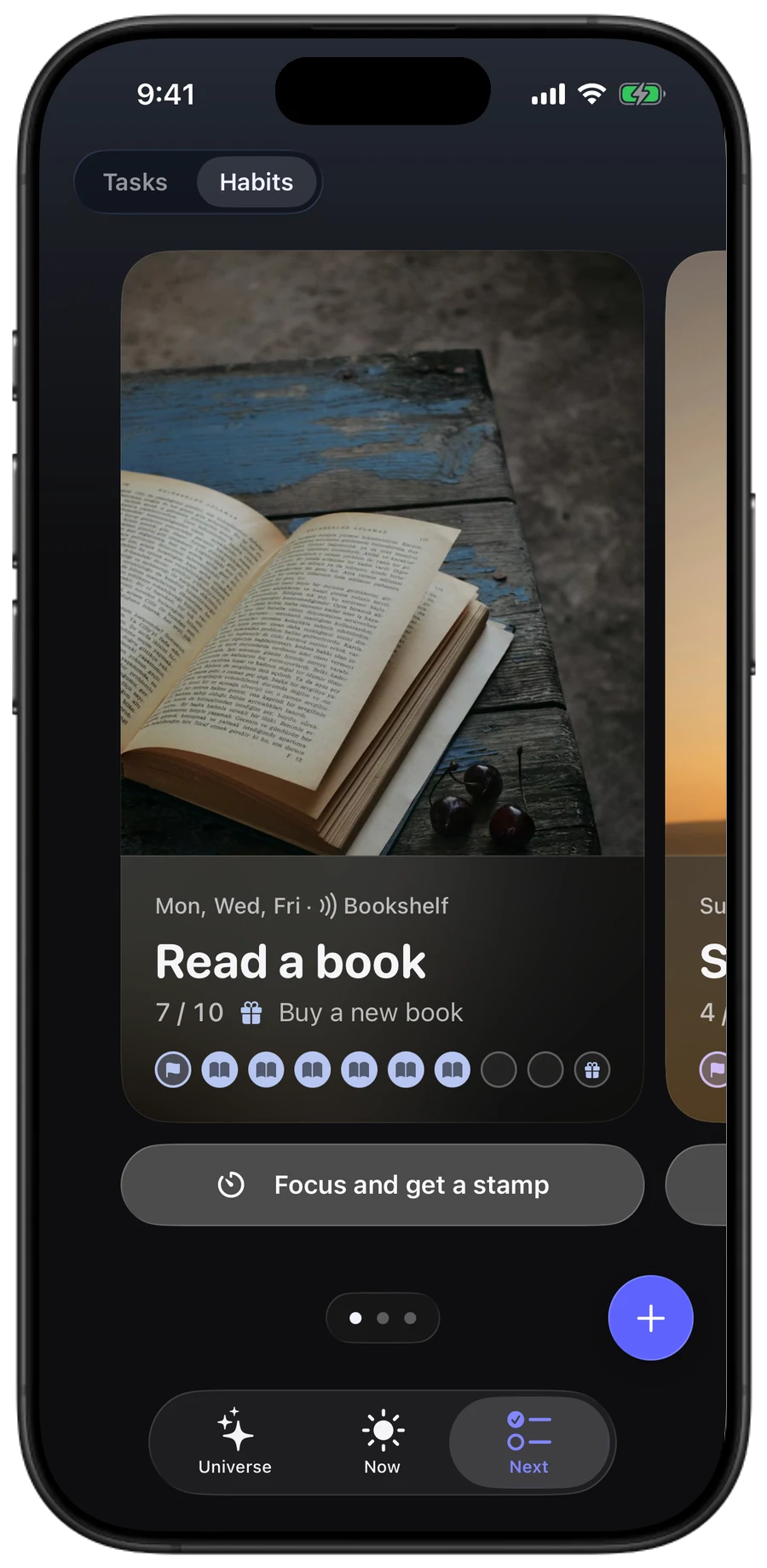 HabitBefore
You want to build a habit, but getting started is a hassle, so it never sticks.
With PrimalyTap a tag, and your habit begins
Tap the NFC tag on your bookshelf or yoga mat, and that habit's focus timer starts. Keep going until the time is up to get a stamp. Fill ten, and you get the reward you set for yourself. Missed days never take stamps away.
- App blockBefore
You meant to start, and somehow you are scrolling social media again.
With PrimalyWhile you focus and before bed, keep distracting apps closed
Not just during the focus timer: block distracting apps for a time of day, like before bed, or once you hit a daily limit. You can keep them closed until you finish today's step. Need a break right now? One tap closes them until your wake-up time.
-
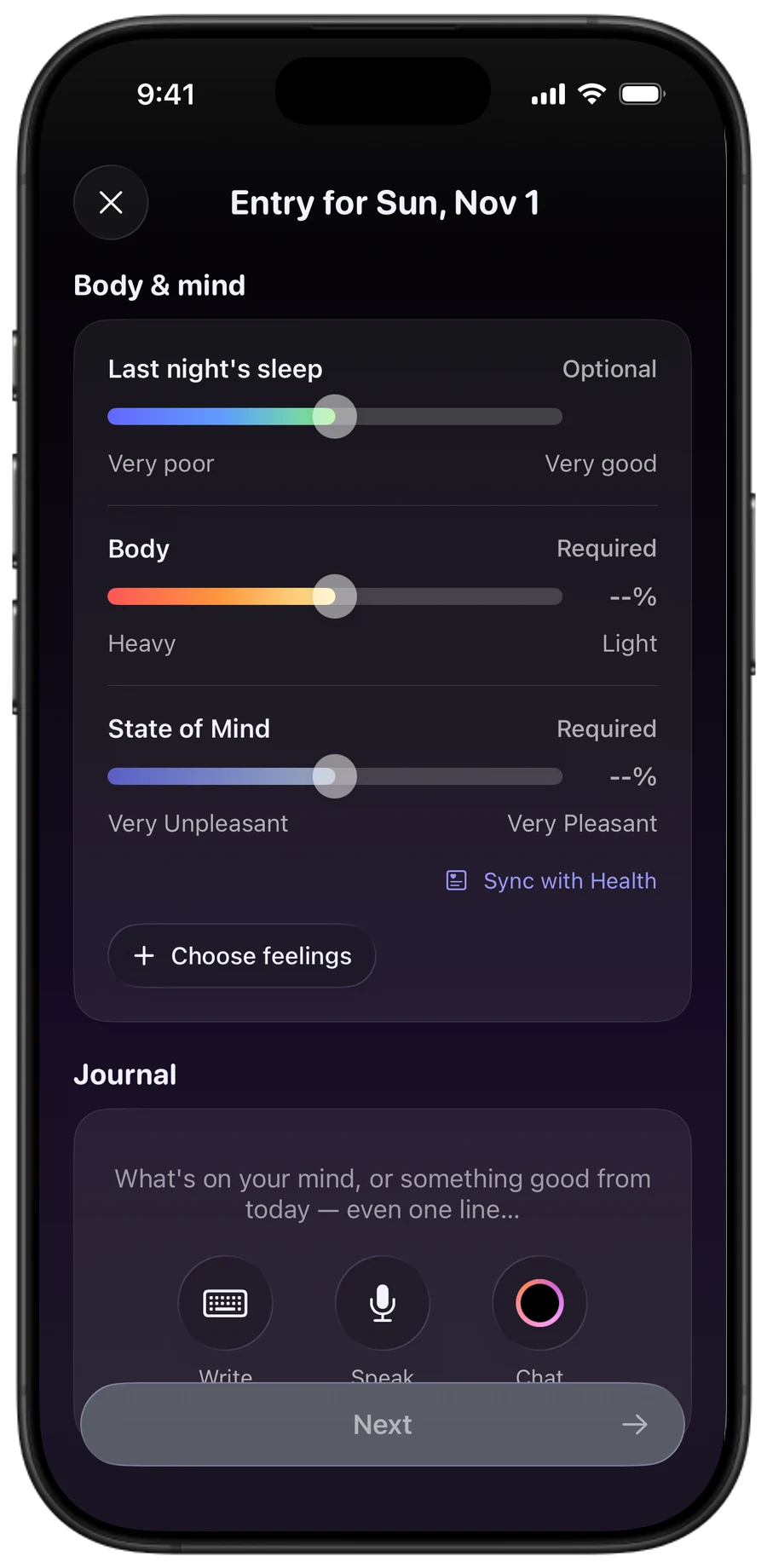 JournalBefore
You want to reflect, but you never know what to write, so it never sticks.
With PrimalyJournaling and mood tracking become your weekly look back
Pick how your body and mind feel, and the weekly report shows how they moved over the week. You can simply speak it, and on tired days a single line is enough. Even the days that didn't go well stay with you as a star.
What Primaly doesn't do
-
No streaks. No completion rates.
A missed day is never a "failure".
-
Today isn't a long list.
Just one step for today.
-
Finishing isn't the goal.
Starting, even just a little, is.
How your data is handled
Encrypted, and stored only on your device and in your iCloud.
Neither Apple nor the Primaly team can read what's inside.
Things are sent to AI (Anthropic's Claude) only when you use it, and never used for training. Your journal isn't sent, not a single character, until you allow it.
There are no ads, and Primaly never sells your data.
You can turn off usage statistics (which never include your entries) in Settings.
- Encrypted when saved
- Unreadable to Apple and to us
- No ads, no third-party tracking
Frequently asked questions
Who is Primaly for?
It's for people who know what they need to do but keep putting it off. You narrow things down to one step and start with just two minutes, so you don't need to be good at big plans. At night, closing the day turns it into a star, so even the days that didn't go well end without blaming yourself.
How is Primaly different from other task apps?
Many task apps list everything you need to do, or lay out your day in time slots. Primaly doesn't plan out your day. It shows just one step for today, and you can keep distracting apps closed while you work on it. With no time slots, there's nothing to fall behind on, and when you close the day at night, even a day that didn't go to plan becomes a star.
Is it free?
The core features are free, and reading your records and the iCloud backup stay free for all time. Primaly Pro (monthly or yearly with the first month free, or a one-time Lifetime purchase) removes the limits on habit stamps, block rules and more, and adds nightly chats with Prima and export. If you stop Pro, nothing you made is removed. Habit stamps beyond the free number, your own categories and the launcher are paused, and work again when you go back to Pro. Prices are shown on the App Store page and the in-app purchase screen.
How is this different from iPhone's Screen Time?
Primaly closes apps with the same system as iPhone's Screen Time, and the record of which apps you used and for how long never leaves your iPhone (you allow Screen Time access when you start). The difference is that when apps close and open is tied to your day in Primaly: you can keep them closed until you finish today's step. If they closed because of a time window or daily limit you set, you can open them early by tapping an NFC tag you've placed or pointing the camera at your registered object.
Where is my data stored?
On your device and in your own iCloud. Everything is encrypted on your device before it syncs, so neither Apple nor the Primaly team can read it. See the Privacy Policy.
Do I have to use the AI?
No. The AI is optional, and tasks, journal, stars, alarm and App Block all work without it. Only when you use an AI feature is what that feature needs sent to Anthropic (Claude API), and it is never used to train AI models. Step suggestions send that task's details. The evening chat with Prima becomes available when you turn on Settings › Privacy & security › Journal & AI (off by default), and it sends your chat plus that day's journal and body and mind records, among other things. See the Privacy Policy.
Which devices and OS versions are supported?
Primaly is an iPhone app and runs on iOS 18 or later. The iPhone layout also runs on iPad, but the wake-up alarm isn't available there. There is no Apple Watch app, Android app or web version.